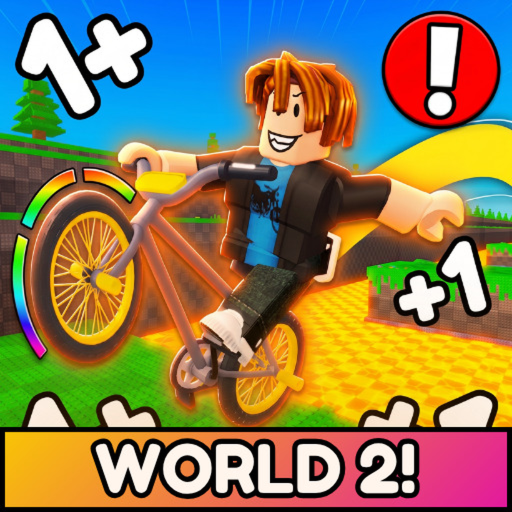
First-run loopMove to build Speed, gain more double jumps, ride through the course, unlock bikes, and work toward the end.
Those actions come from the official game description. Exact keys, prices, rates, and course requirements must be read in the current experience.
Your first five checkpoints
Confirm the exact experience. The current Roblox title begins with W2 and +1 Double Jump Bike Escape. The listed creator is the verified ChillyTea Studios group. That identity check helps you avoid similarly named games.
Watch the values that change while you move. The creator says movement grants +1 Speed and that players gain extra double jumps. Because the public description does not define the interval, use the live counter rather than counting steps or seconds.
Try the nearby route before chasing a huge number. Choose a visible obstacle, note your current Speed and jumps, and make a small increase. Retry under similar conditions so you learn what changed.
Use bike unlocks as experiments. Roblox confirms a first-bike purchase milestone and names the Rainbow Trike in another badge, but gives no stat table. Test unlocked bikes on the same route instead of assuming the newest or rarest is always best.
Read milestones as signposts. Roblox badges name a first win, Level 5, Rebirth 1, Rebirth 2, halfway, and final-stage completion. Check the live game for any cost or reward.
When a jump sends you back
The Roblox description explicitly warns that one wrong move can send a rider all the way back to the start. Treat that event first as part of the advertised challenge. It does not by itself show that account data, bike ownership, levels, or rebirth progress was deleted.
Route reset
Retry the same obstacle
Keep the bike and values stable, then adjust only your approach or one progress target.
Unexpected loss
Check your current values
Public game information does not explain saving or checkpoints. Confirm what changed in your session before troubleshooting the Roblox client.
Platform issue
Separate Roblox trouble
If joining or loading fails across experiences, check Roblox Status before treating it as a game-specific problem.
If Roblox will not load or movement lags
Check Roblox Status. A platform incident can affect joining or gameplay across many experiences.
Check the connection. Roblox Support lists an inconsistent wireless connection, browser security settings, add-ons, firewall rules, and router access among general connection checks.
Lower graphics quality for stutter. Roblox's lag guidance separates network, graphics, and system lag. Reducing graphics and closing other heavy applications can help isolate the cause.
Restart before reinstalling. Roblox Support recommends a restart before a full reinstall for persistent client trouble.
Report a reproducible issue with details. Keep the username, exact error, device model, operating system, reproduction steps, and recent changes ready for Roblox Support.
These checks address the Roblox platform and client. They do not prove the cause of a Double Jump Bike Escape badge, group-item, World 2, or saved-progress problem.
Beginner questions
How do you get Speed in +1 Double Jump Bike Escape?+
The official description says movement grants +1 Speed. It does not define whether that means a step, distance, second, or another interval, so use the live on-screen counter as your guide.
How do you get more double jumps?+
The official description says players can gain extra double jumps, but it does not list the trigger, price, or cap. Check the live game for any current requirement or prompt.
Why did the game send me back to the start?+
The official description warns that one wrong move can send a player back to the start. Check your live values after a reset; the public game information does not explain checkpoint or save rules.
How do I unlock World 2?+
Roblox lists a World 2 place, but no public creator instruction for entering it was found. Check the current live game interface for an explicit requirement.
What if the game is lagging or will not load?+
Check Roblox Status first. If the platform is operating, Roblox Support recommends checking the connection, lowering graphics quality for lag, closing heavy applications, and restarting before reinstalling the client.